
Origin Path
Trace the path of nerves and arteries back to their origins by isolating them or highlighting them in the context of the full model.
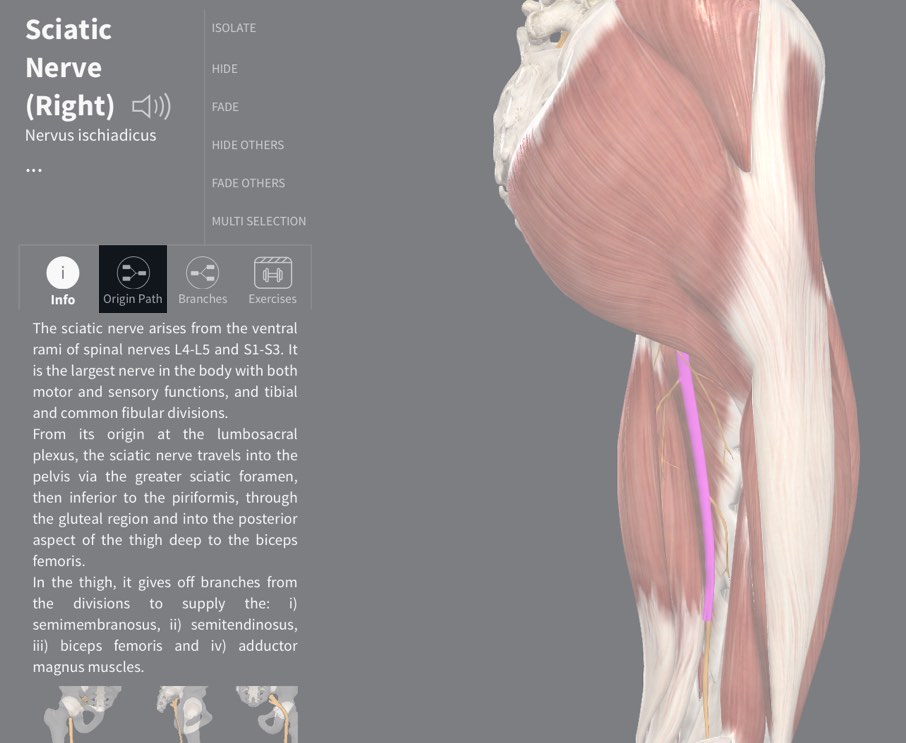
Access Origin Path
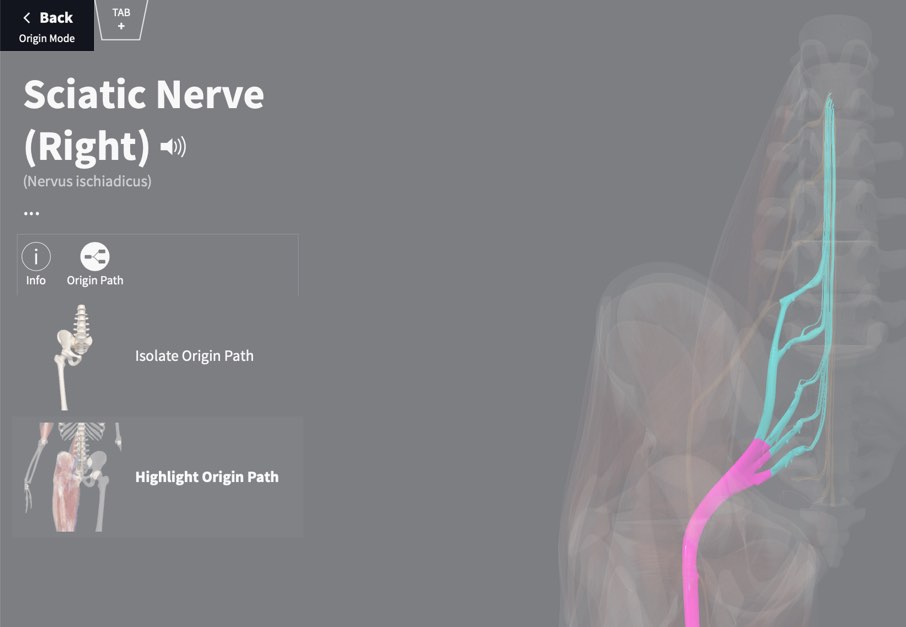
To see a nerve or artery’s origin path, select the structure from the model. The Infobox for that structure will appear on the left of the screen. Under the title of the structure you will see the option to view its origin path (the Origin Path icon).
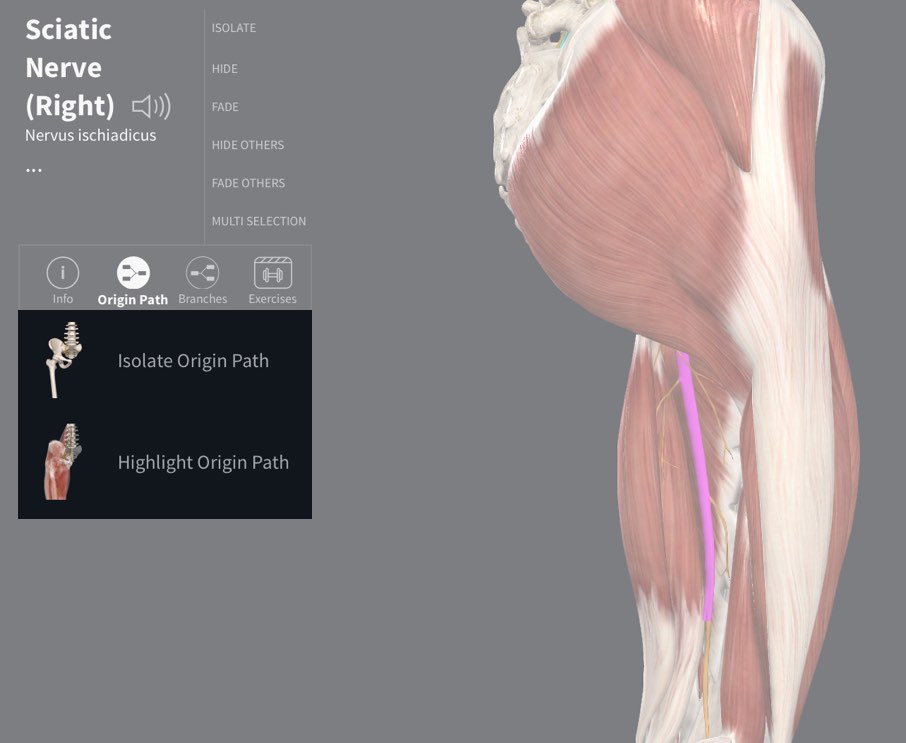
Select Path
Select the Origin Path icon to see the options for viewing the path. Choose between Isolating or Hiding the path.
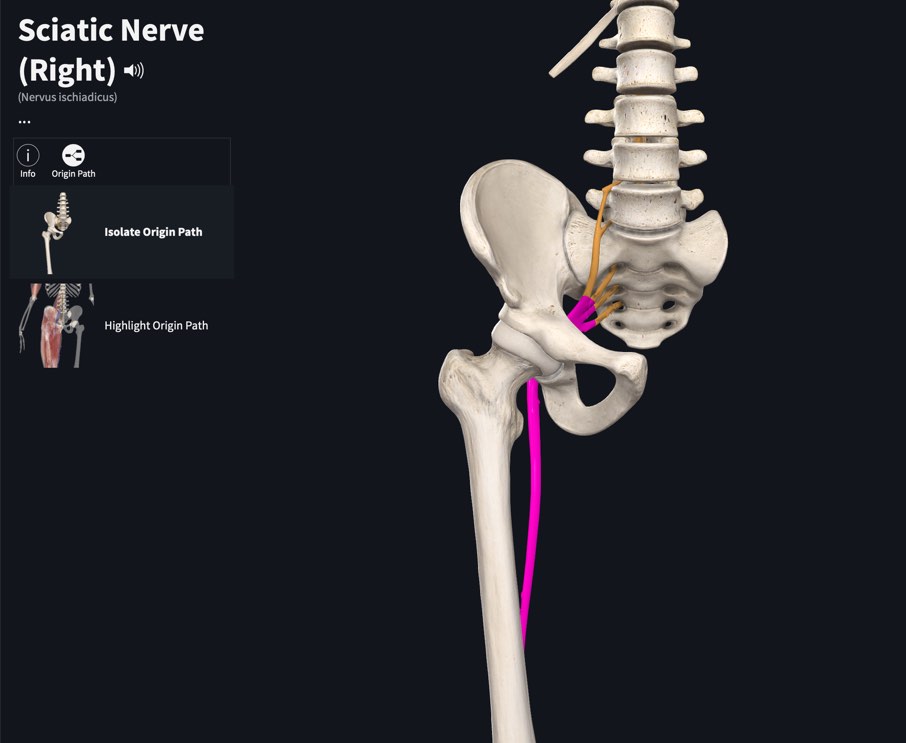
Isolate the path
Choosing to isolate the path will hide all structures not associated with the path.
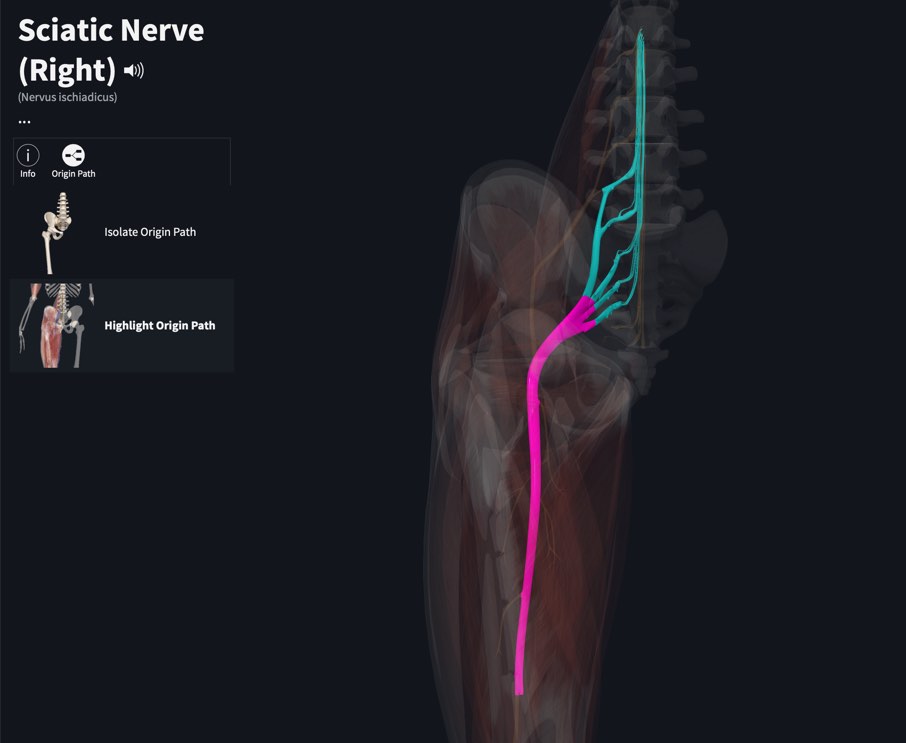
Highlight the path
Choosing to highlight the path will fade all visible structures other than the path and muscle.
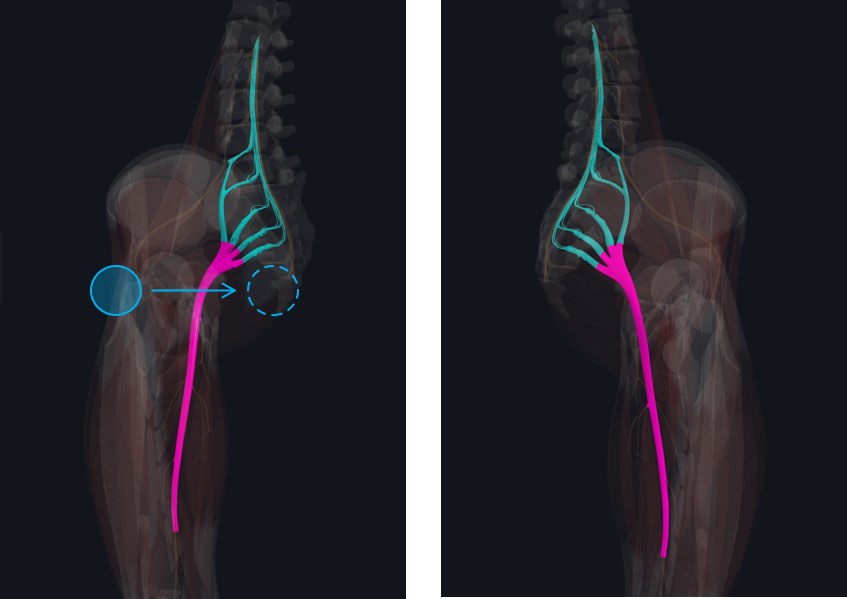
Exploring the model
The model remains fully interactive and you may rotate, zoom, and pan to find your preferred angle. You can also select structures within the path, and their titles will be displayed at the bottom of the Infobox.
Return to full model
Tap Back in the top-left of the screen to return to the full model.