
Textbox
Type a note and add it to your model position.
iPad, Mac, and Windows feature
Access Textbox
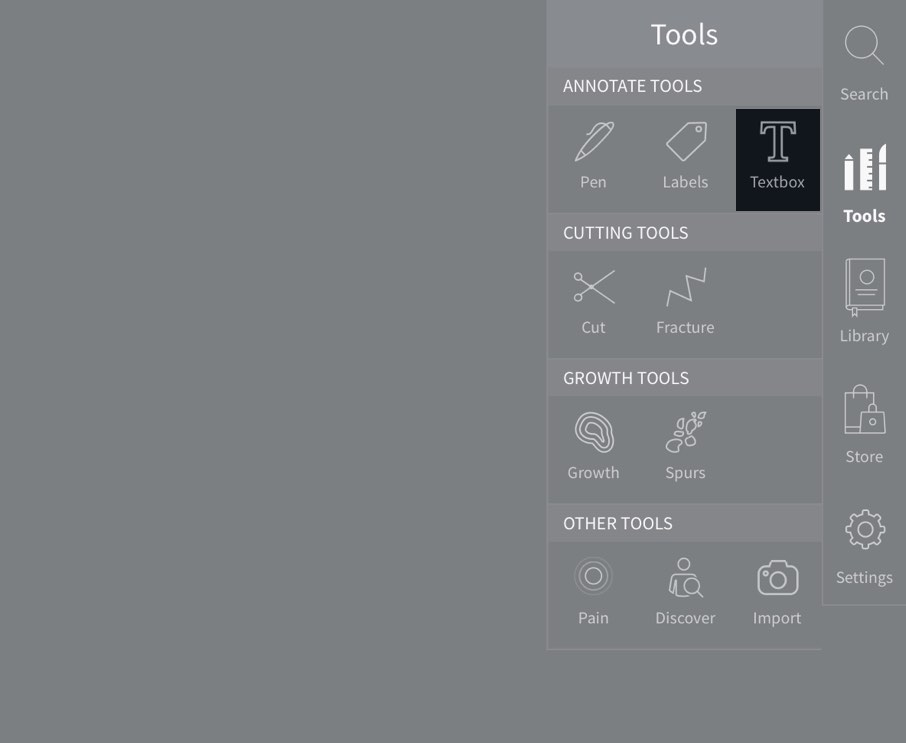
To begin adding notes, select Tools from the main menu, and select Textbox from the Tools menu.
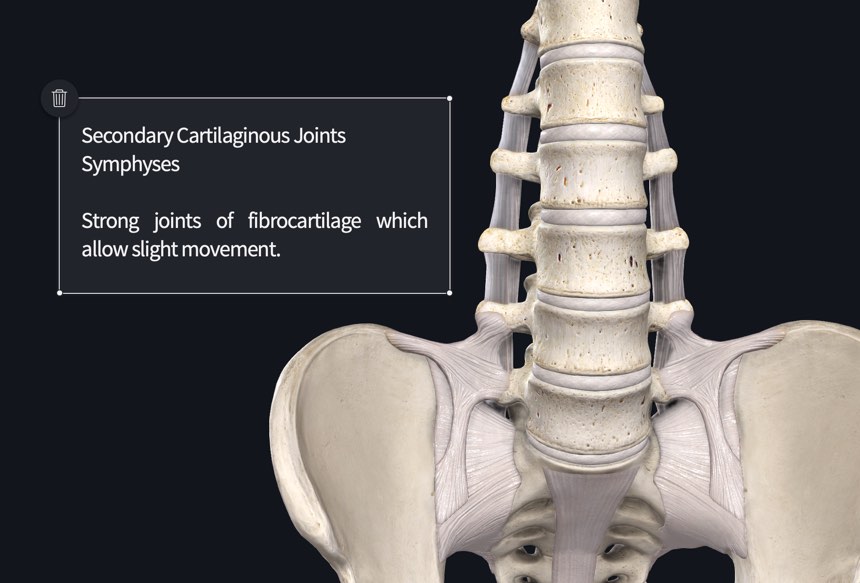
Using the Textbox
Use the keyboard to type in your notes.
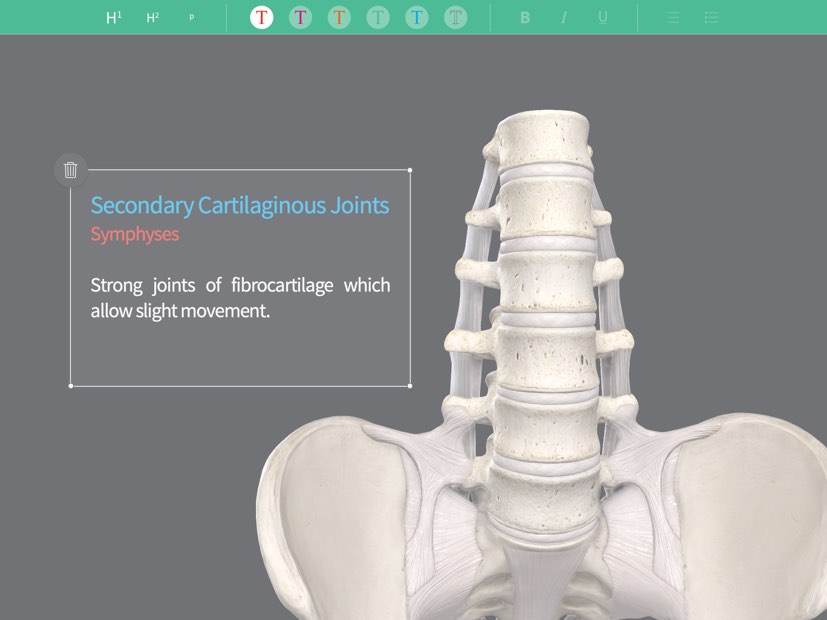
Styling the Text
Highlight a section of text to change its styling. The tools in the toolbar at the top of the screen let you choose the text size, color, styling, and list style.
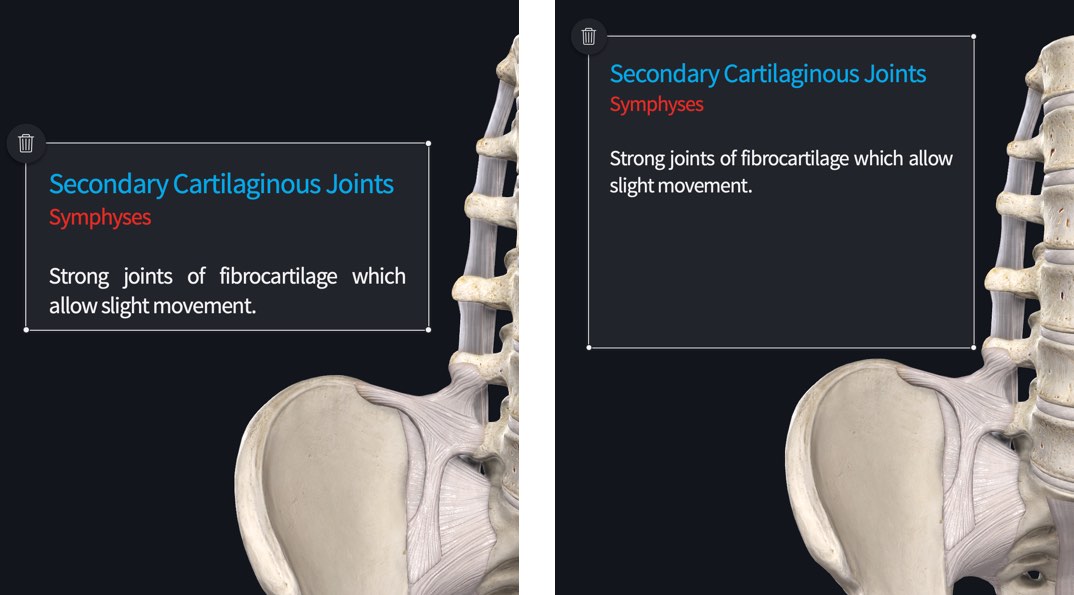
Resize Textbox
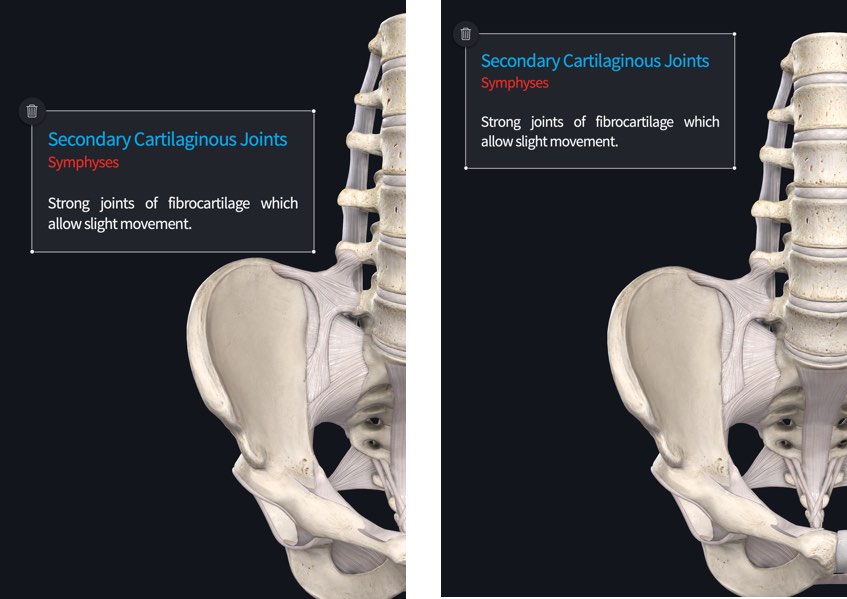
Grab and drag one of the Textbox corners to resize it.
Move Textbox
Tap outside the Textbox to hide the resize indicators, and then drag it across the screen to your chosen location.
Edit Textbox
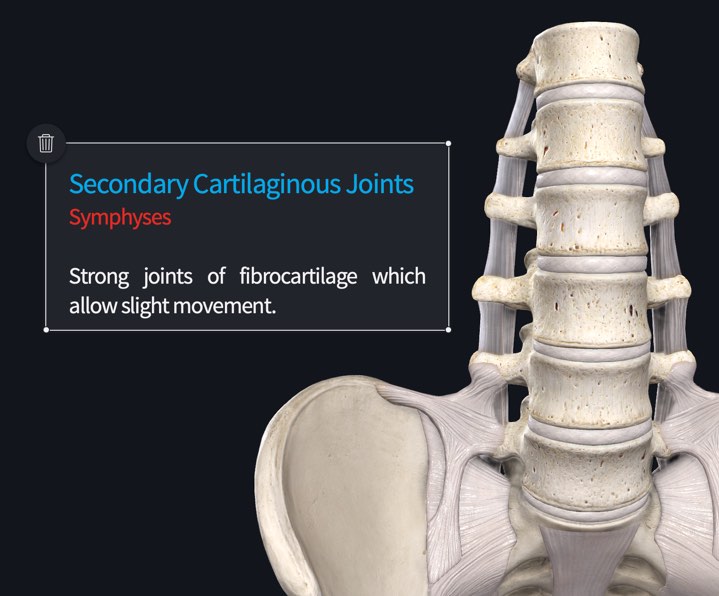
Tap a Textbox to make it active again, giving access to the resizing Tools. Tap the content to edit the text.
Clear Textboxes
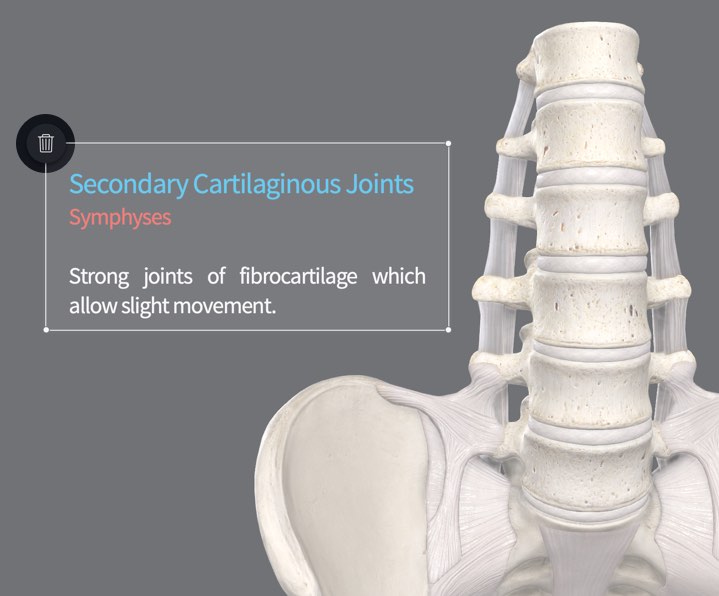
Remove individual textboxes using the button at the top left corner of the selected Textbox.