
Tabs
Stay organized with multitasking in Complete Anatomy with tabs
iPad, Mac, and Windows feature
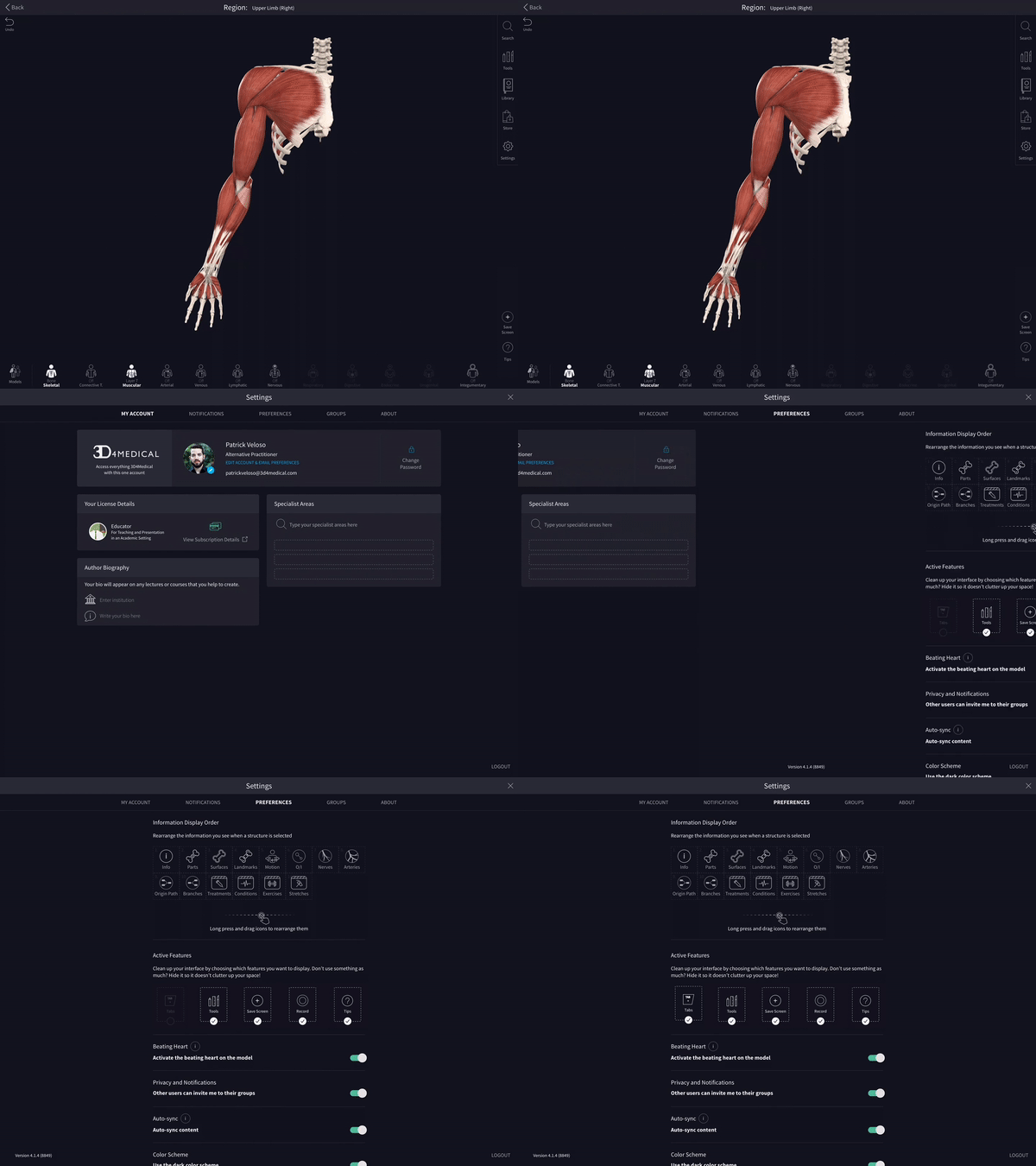
Turning tabs on
To access Tabs, navigate to your Settings and to Preferences, where you can switch Tabs on.
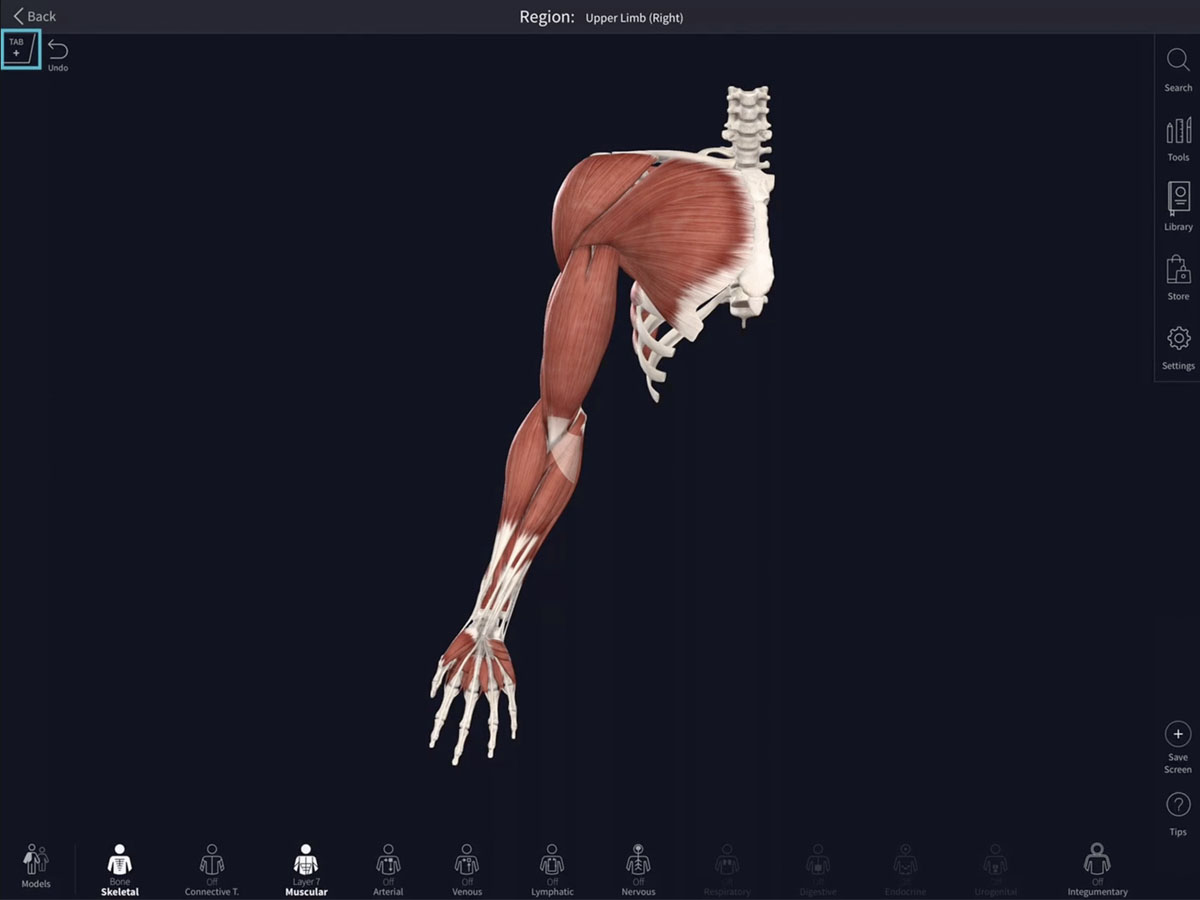
Creating a Tab
Create a tab using the ‘Plus’ button on the top left corner of the screen. Your first tab is automatically created for you.
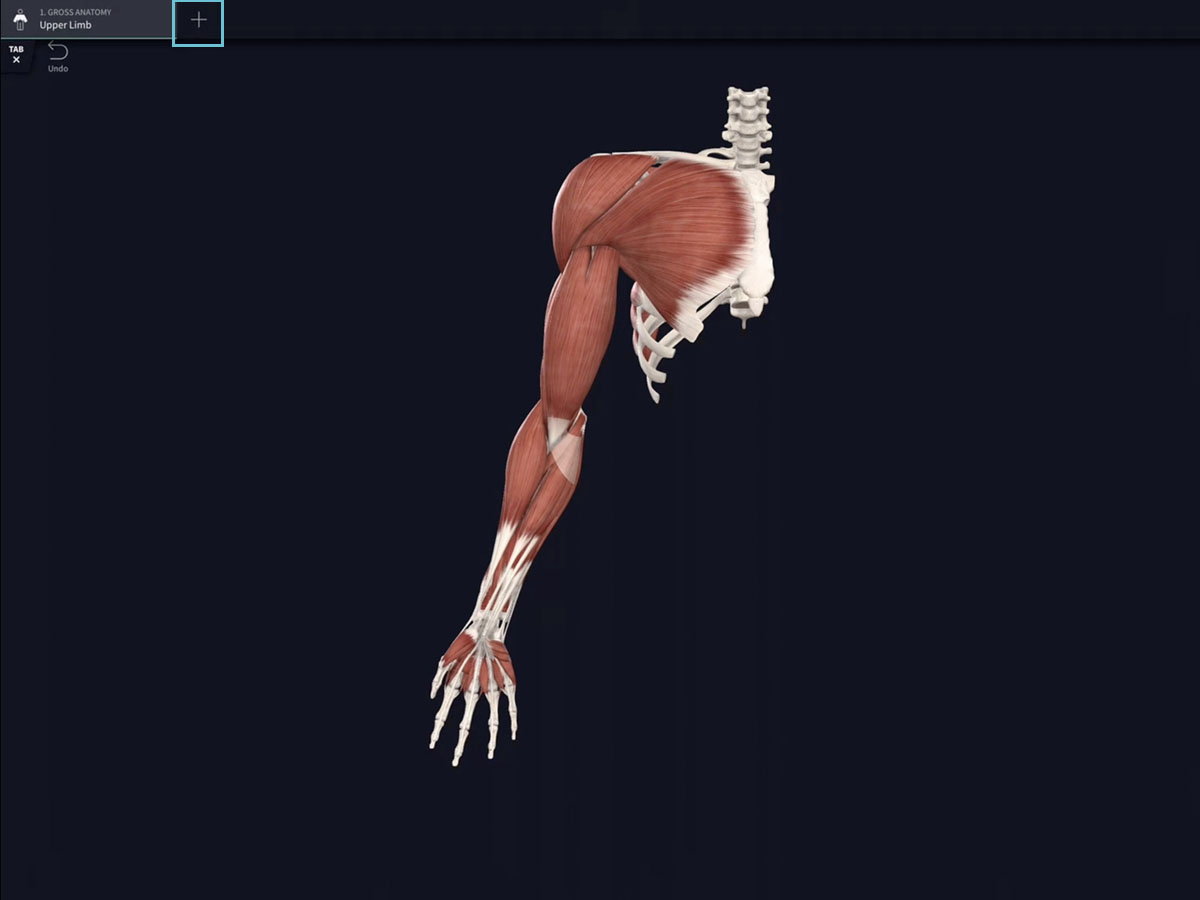
Adding tabs
Press the ‘Plus’ button to create additional tabs.
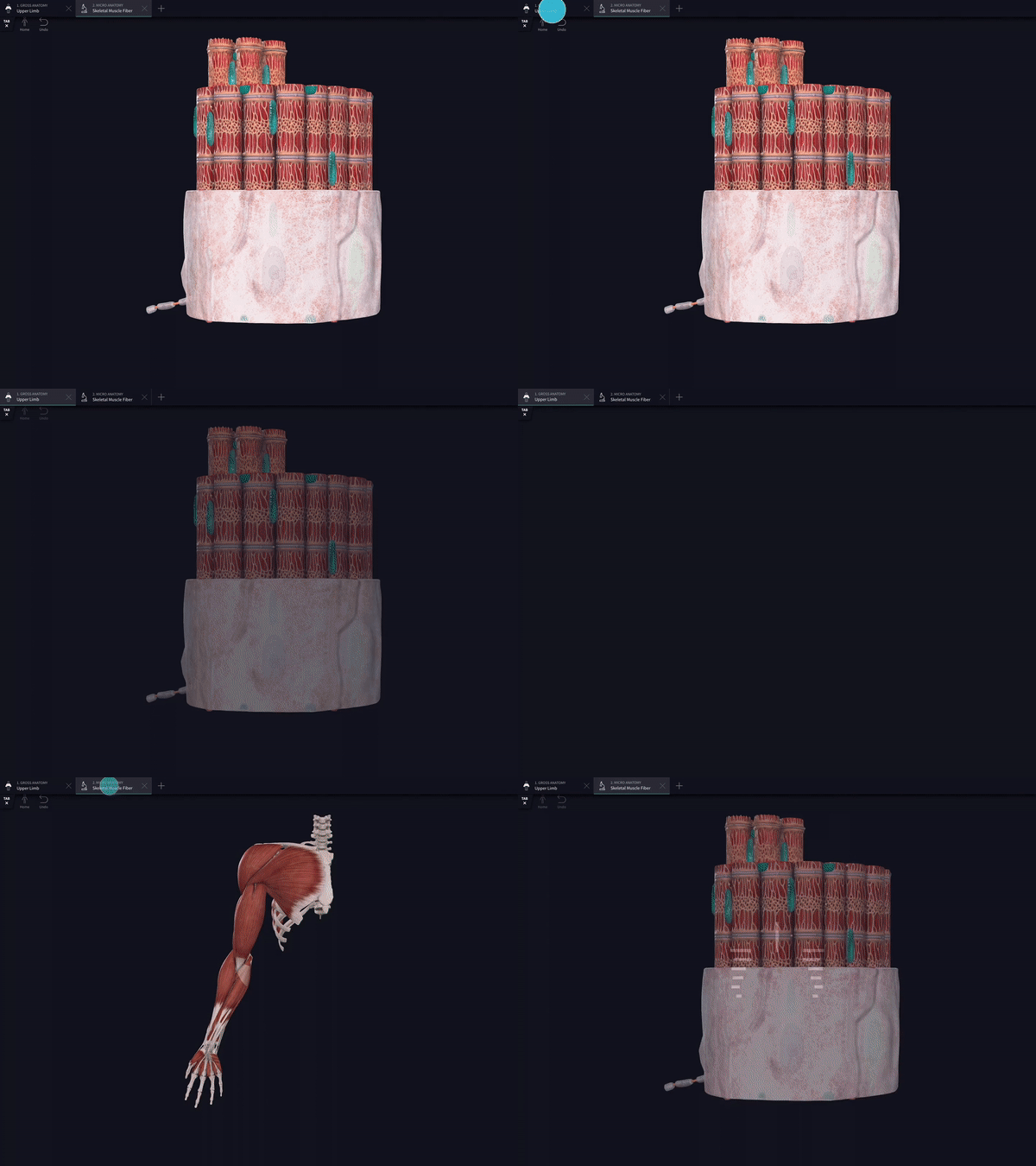
Switch tabs
You can jump between separate model states by pressing the individual tabs along the top of the screen.
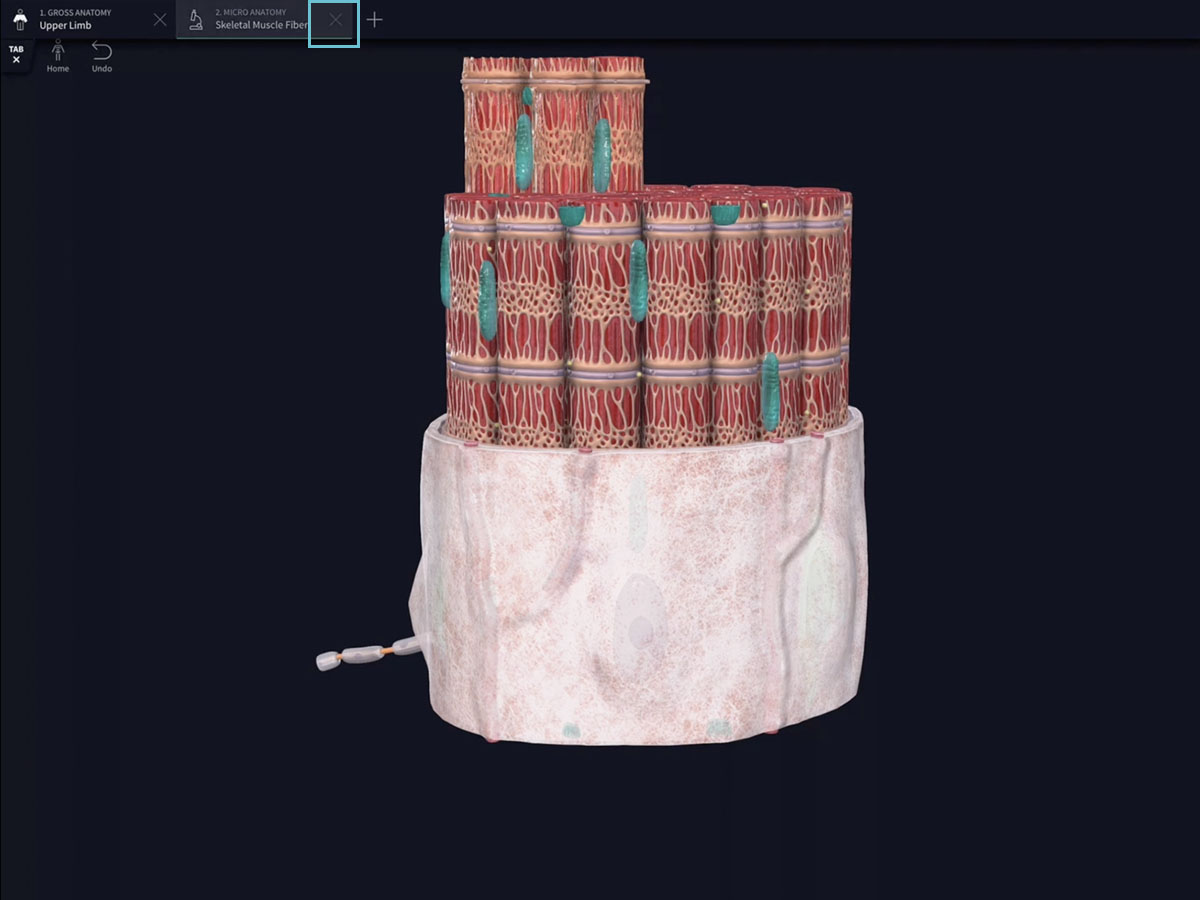
Close tabs
Close any tab by hitting the ‘X’ button. Any open tabs you have can be reopened the next time you start Complete Anatomy.