
Import
Import an image to match the model with reality.
iPad, Mac, and Windows feature
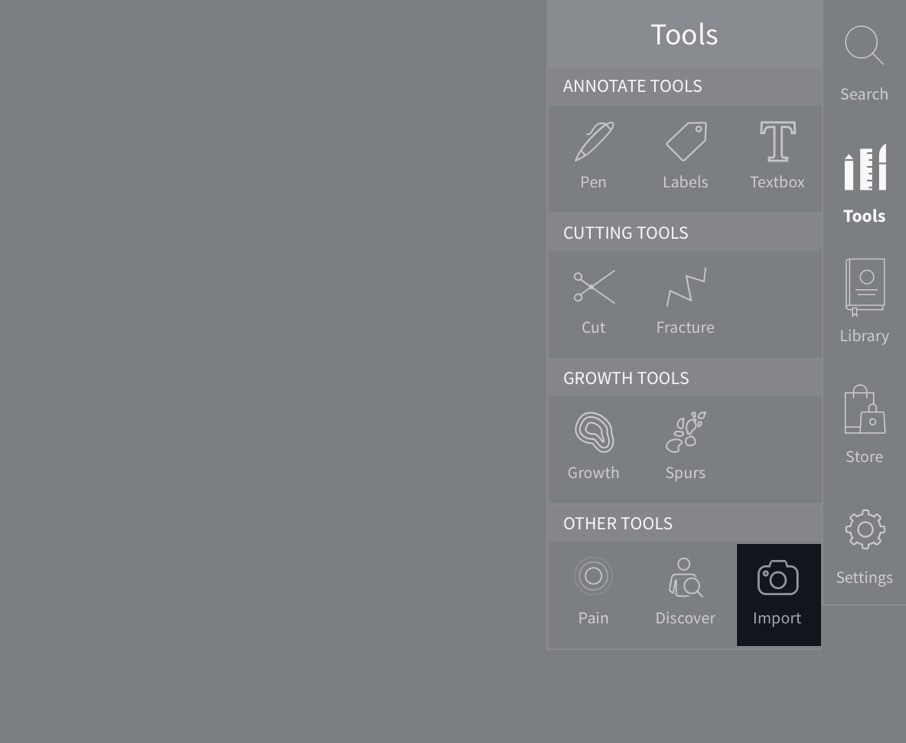
Access Import
To begin adding images, select Tools from the main menu, and select Import from the Tools menu.

Choose an Image
Images stored on your device will be shown in a grid. Choose up to 5 images that you would like to add.
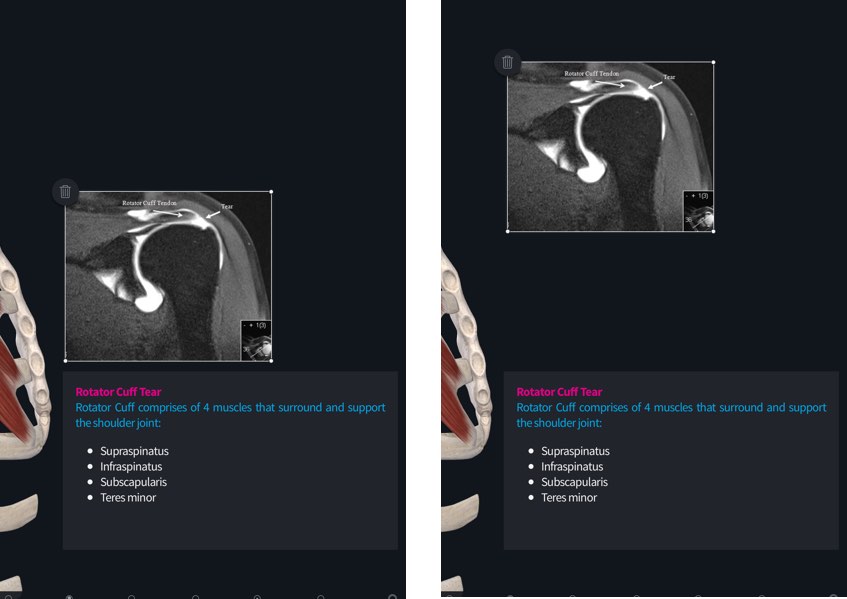
Move Images
Drag an image across the screen to move it to your chosen location.
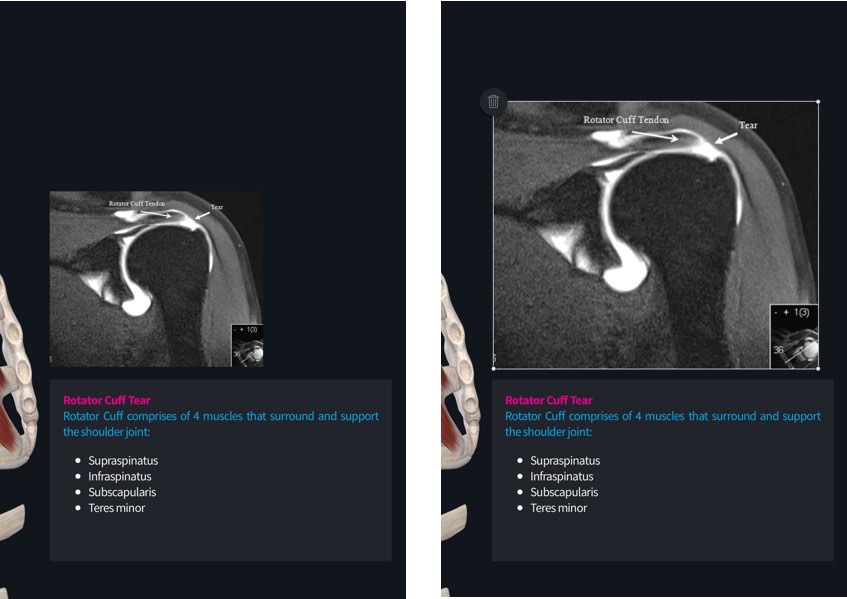
Resize Image
Tap an image and drag one of its corners to resize it.
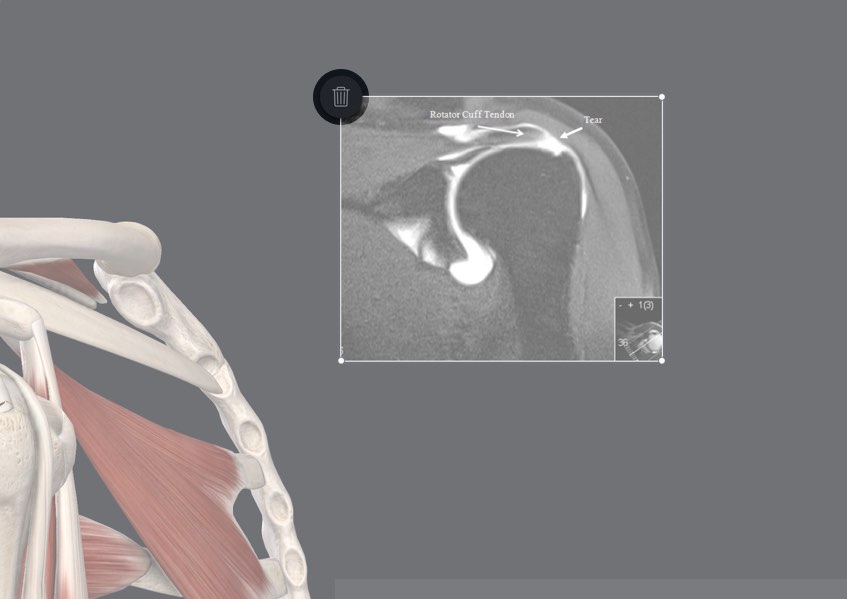
Clear Image
Remove individual images using the button at the top left corner of the selected image.