
Settings
Create a 3D4Medical account to experience the full power of Complete Anatomy.
跳转到类别
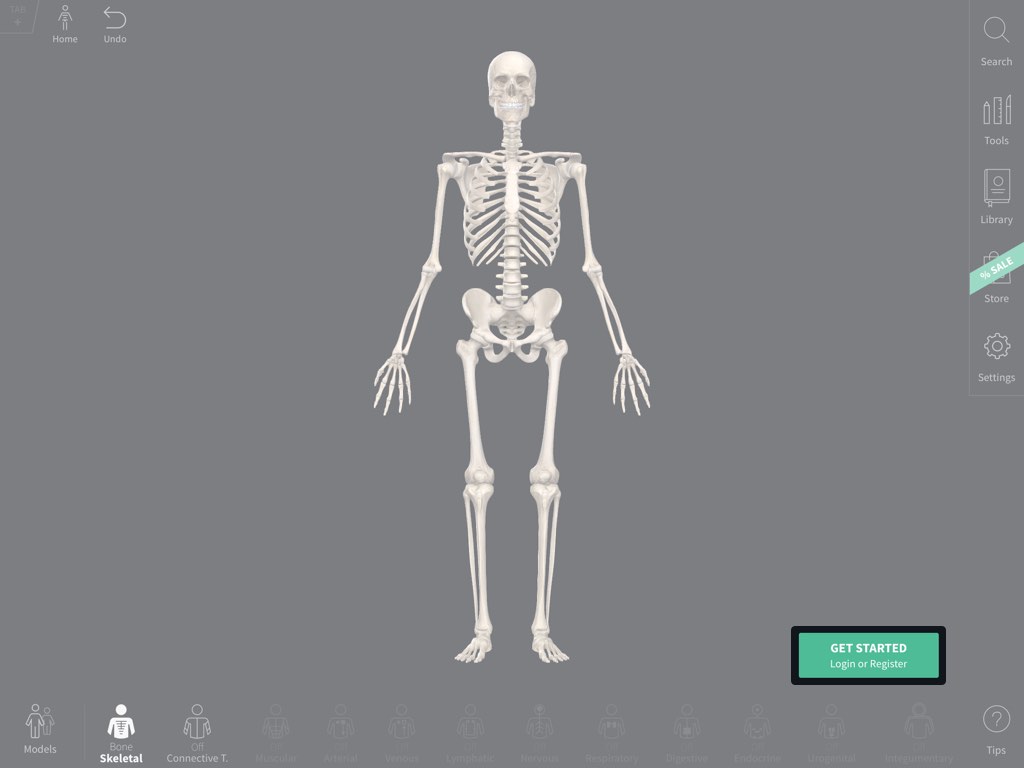
Log in or Register
Select the Get Started button in the bottom right of the corner to log in or register.链接到此步骤
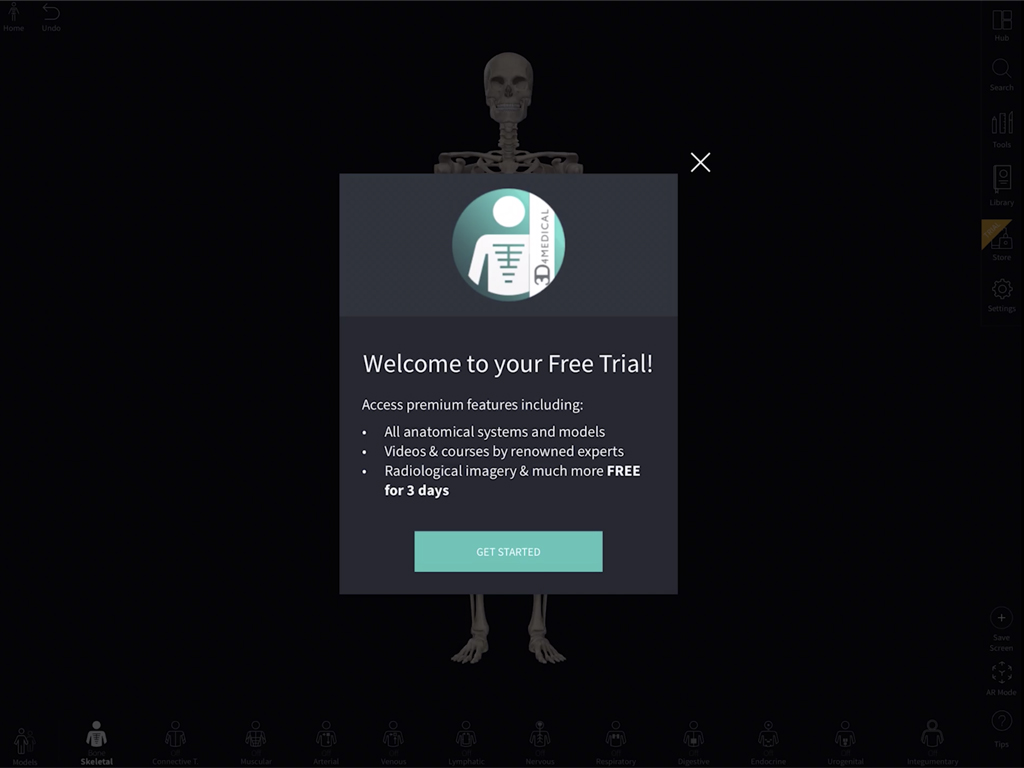
Free trial
A 3D4Medical account gives you a free three-day trial of platform features.链接到此步骤
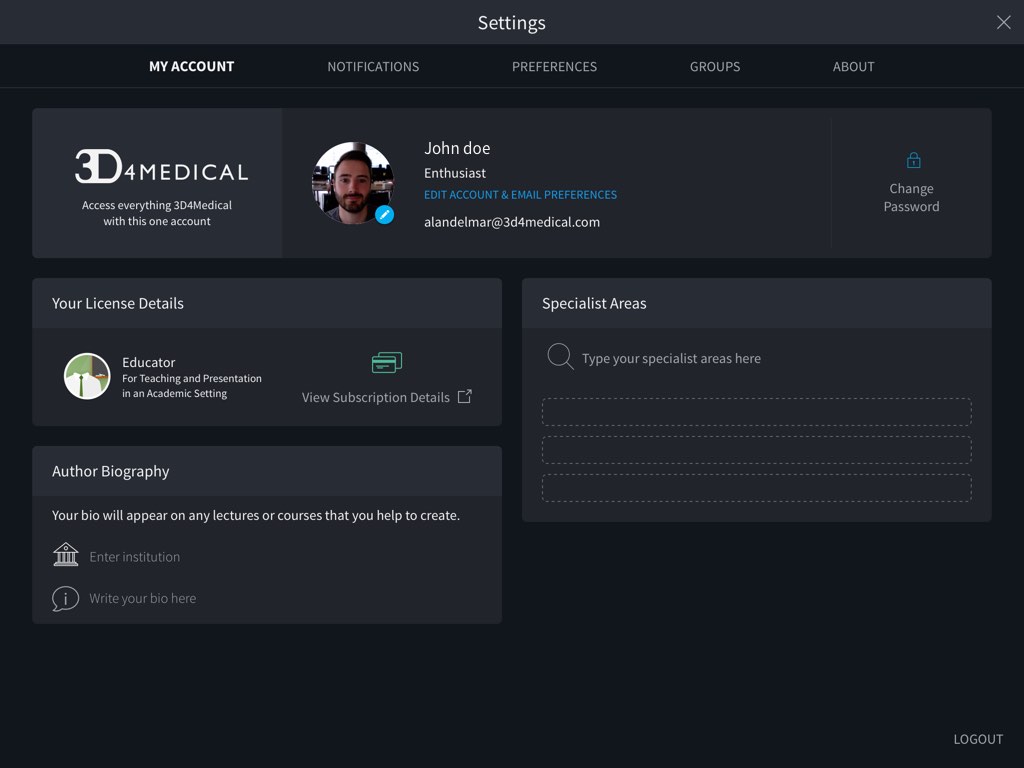
Edit account details
Once registered, your Settings section allows you to edit your account details, to see any notifications, to manage your groups and to adjust your preferences.链接到此步骤
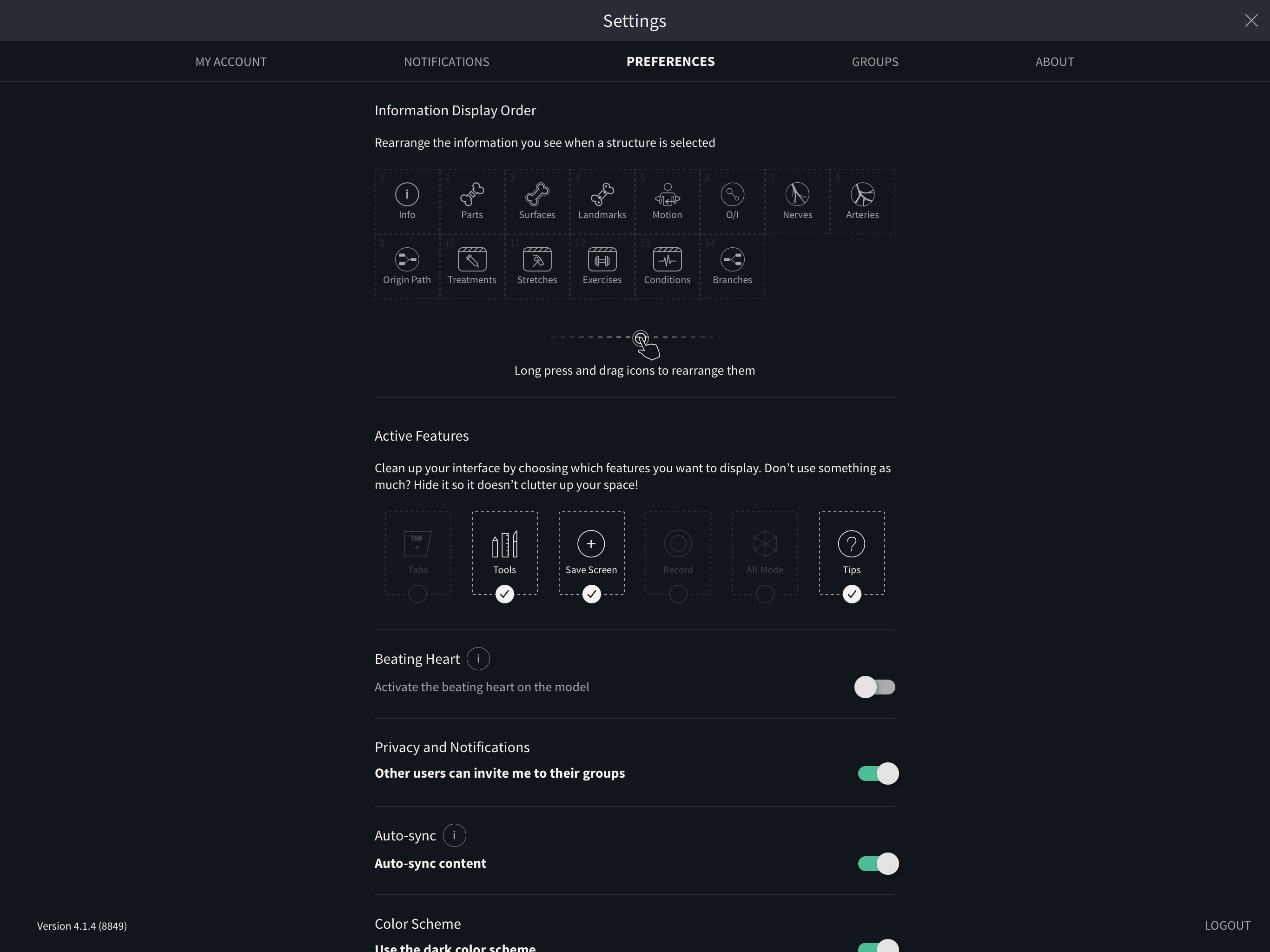
Preferences
In the Preferences tab you may adjust settings related to the app, such as toggling dark mode or switching on or off the beating heart.链接到此步骤
Groups
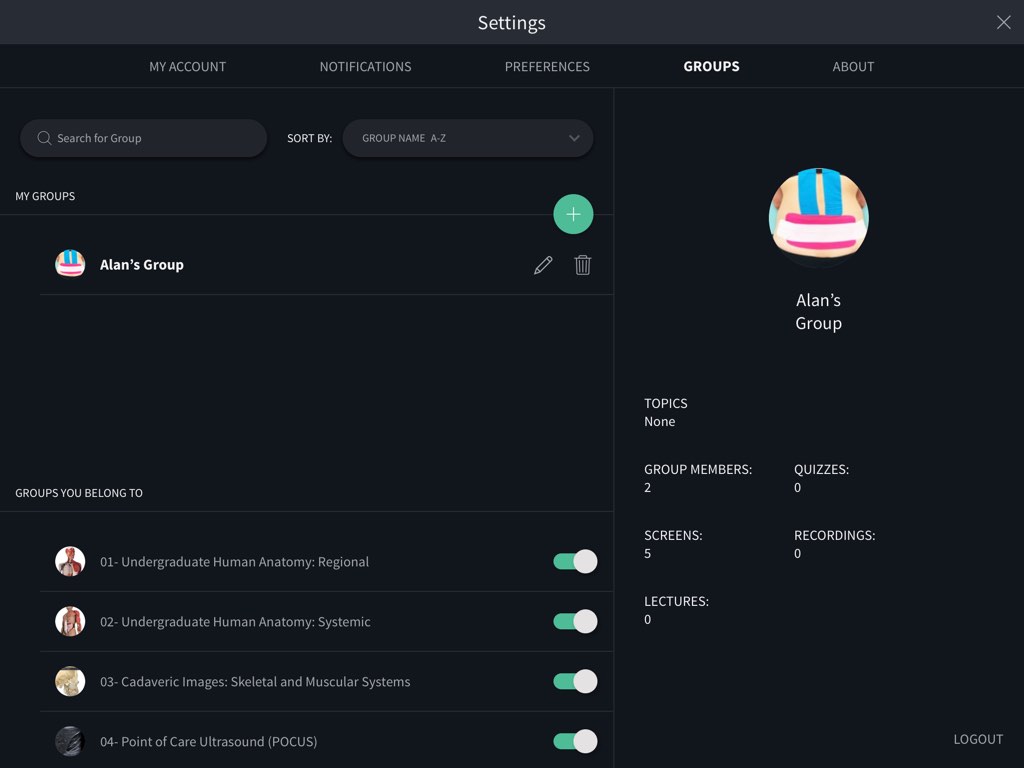
Create and manage groups in the Groups tab to share content. Creating your own group allows you to invite members and share content with them within the app. Create your first Group by hitting the ‘Get Started’ button. Enter the name, description and specialist area for your group, and give it a profile pic to find it easily. Select Create Group when you’re done. Next, your group will need some members. In the Manage Group Members tab you can search for existing users to invite, or invite someone to your Group via email. Your group will automatically appear in your Groups tab, where you can return to edit or delete it at any time. When you accept an invitation for a group, it will display in the area of the screen called Groups You Belong To. If you want to leave a group you have joined, hit the switch beside the name of the group.链接到此步骤
Notifications
In the Notifications tab you’ll find the latest updates for your app tailored for you. You’ll also find information on new content and any notifications on activity from your Groups.链接到此步骤
Logout
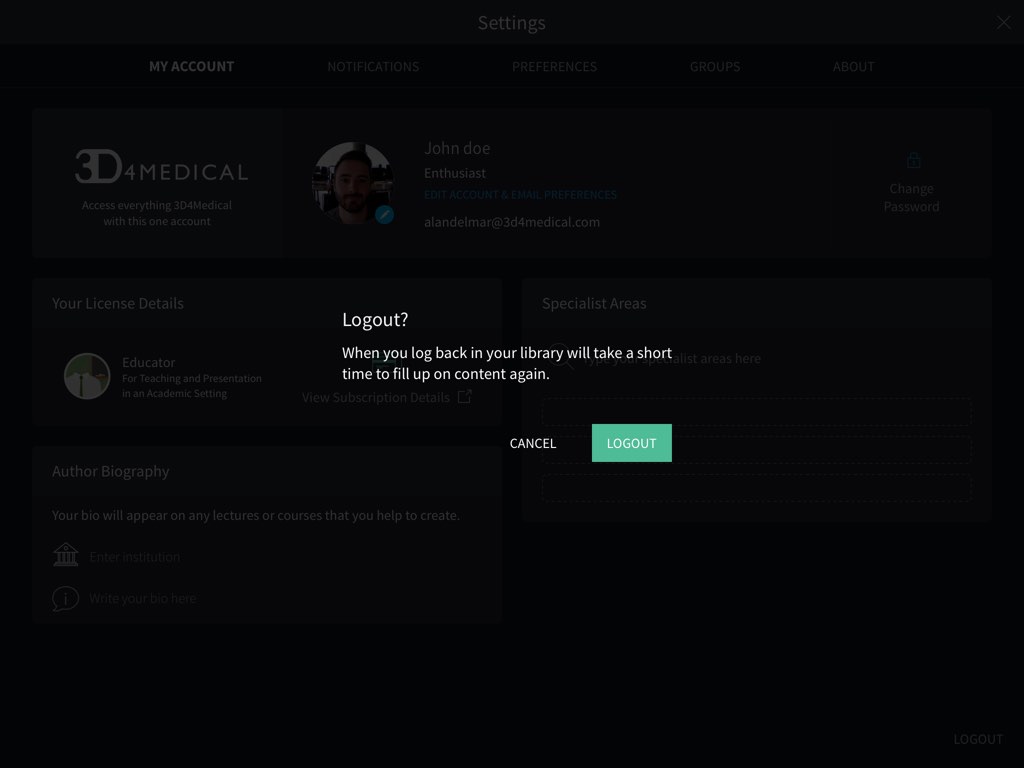
To log out from the application, use the button on the bottom right of the Profile screen.链接到此步骤
设置
创建3D4Medical帐户,以体验Complete Anatomy的全部功能。
跳转到类别
登录或注册
选择右下角的“入门”按钮以登录或注册。链接到此步骤
免费试用
3D4Medical帐户可给您三天的免费试用期。链接到此步骤
修改帐户信息
注册后,在“设置”处您可编辑帐户详细信息,查看所有通知,管理组并调整首选。链接到此步骤
首选
在“首选”标签页中,您可以调整与应用程序相关的设置,例如切换暗模式或打开或关闭跳动的心脏。链接到此步骤
群组
在“群组”标签页中创建和管理群组以共享内容。创建自己的群组可以让您像在文件夹中一样组织内容。点击“开始”按钮,创建您的第一个群组。输入您的群组的名称,描述和专业领域,并为其提供个人资料照片,以轻松找到它。完成后,选择创建群组。您的群组将自动显示在“群组”标签页中,您可以随时返回以对其进行编辑或删除。链接到此步骤
通知
在“通知”标签页中,您会找到适合您的应用的最新更新。您还将在网上论坛中找到有关新内容的信息以及相关活动的任何通知。链接到此步骤
退出
要从应用程序退出,请使用“简介”视频右下方的按钮。链接到此步骤