
Choosing your model
Choose the sex of the model, or focus on a particular body region or microanatomy model.
跳转到类别
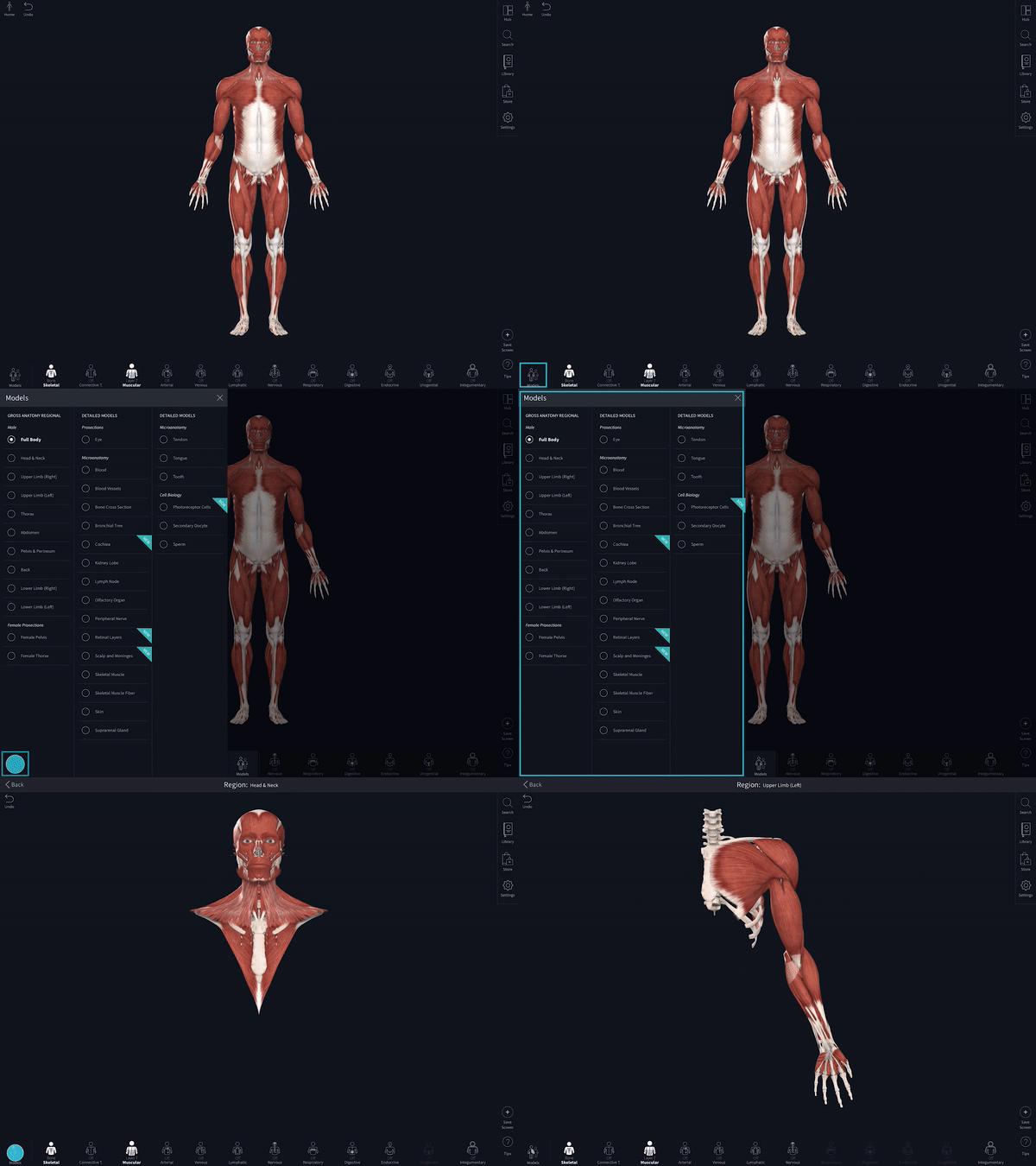
Select Anatomy - Models Menu
Use the Models menu in the bottom-left of your screen to open up access to the full male gross anatomy, the female pelvis and thorax prosection, and a suite of microscopic models to work with.
链接到此步骤
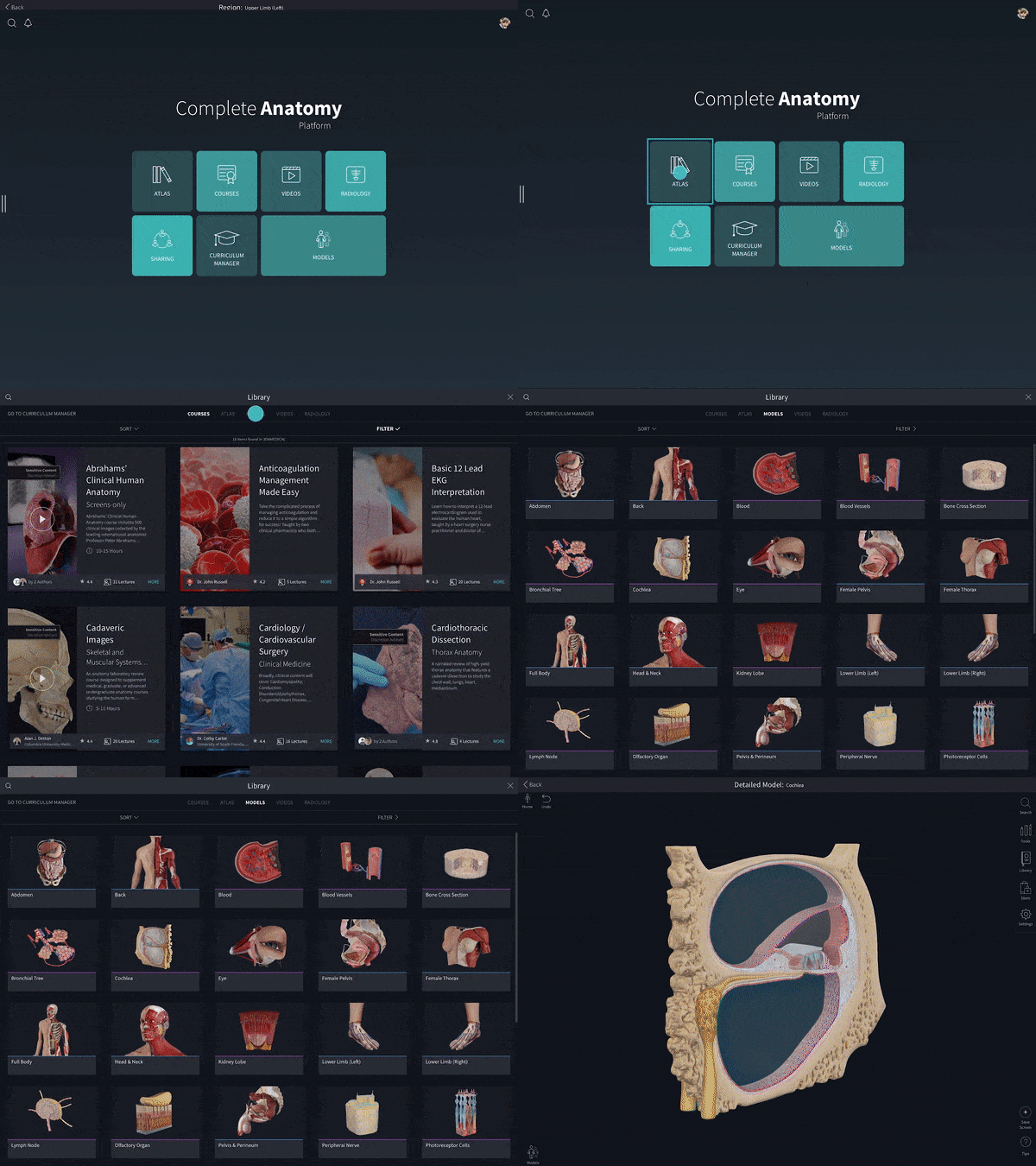
Select Anatomy - Atlas
You can also navigate to the Atlas and choose the ‘Models’ tab to see a preview of your model before you switch. Each model is fully interactive, ready to be explored!
链接到此步骤
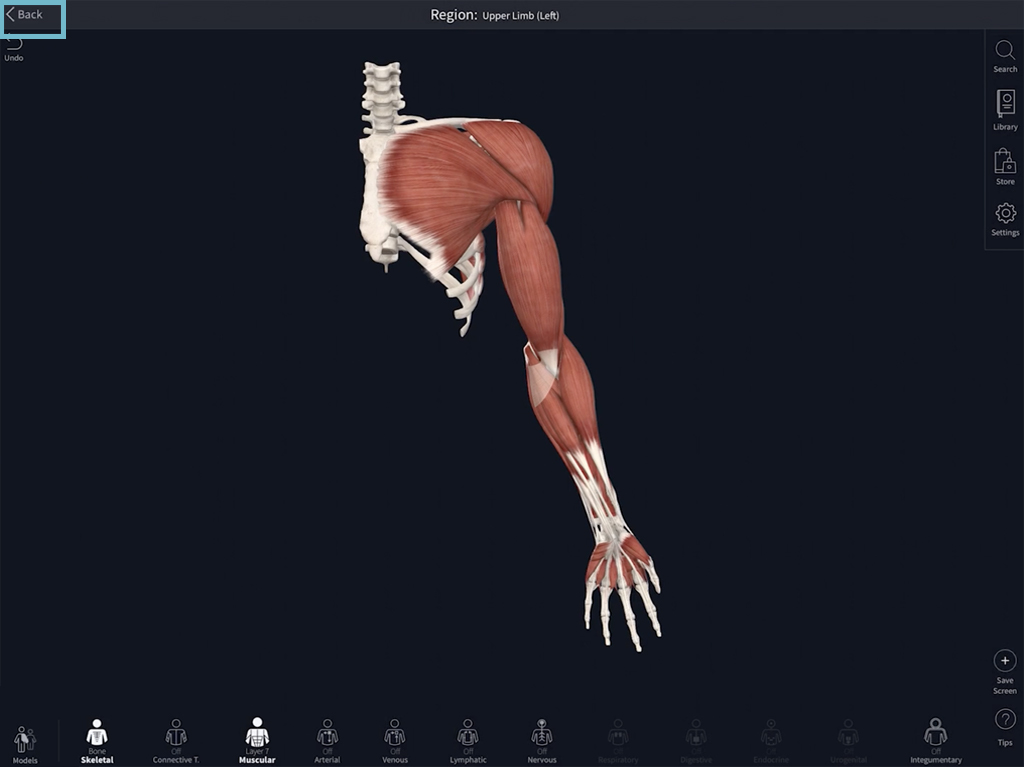
Return to Full Body
To jump back to the full body, simply press ‘Back’ along the top of your screen.
链接到此步骤
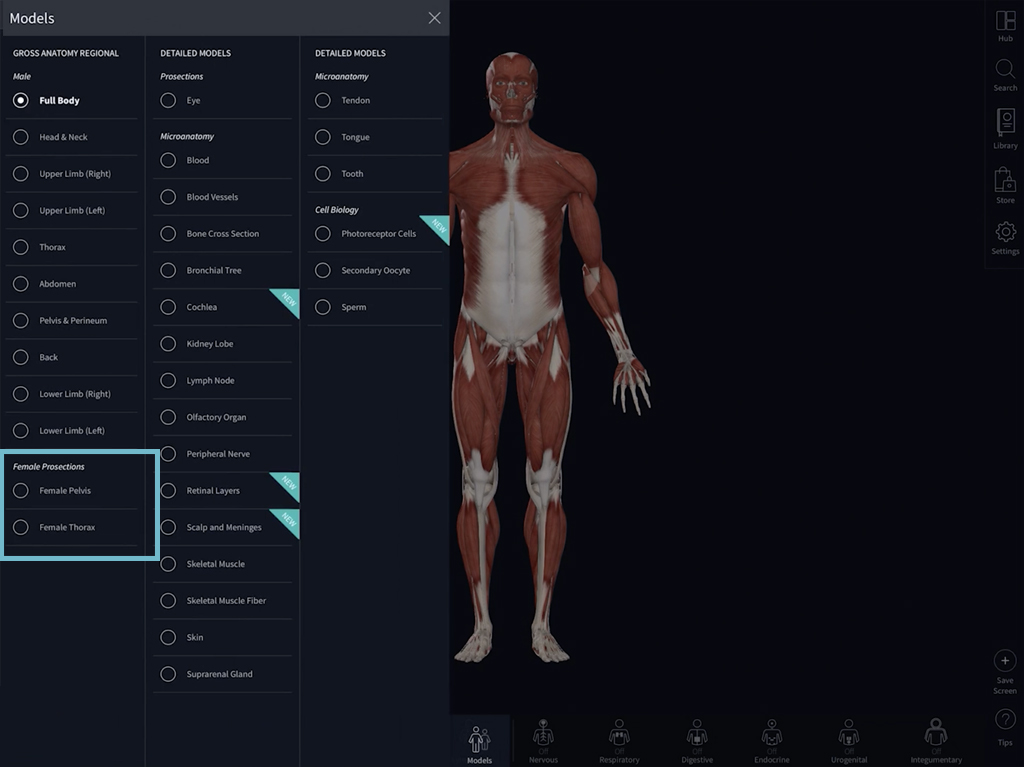
Sex
To view female anatomy, select either the Female Thorax or the Female Pelvis from the Female Prosections list.
链接到此步骤