
Settings
Create a 3D4Medical account to experience the full power of Complete Anatomy.
SALTAR A LA CATEGORÍA
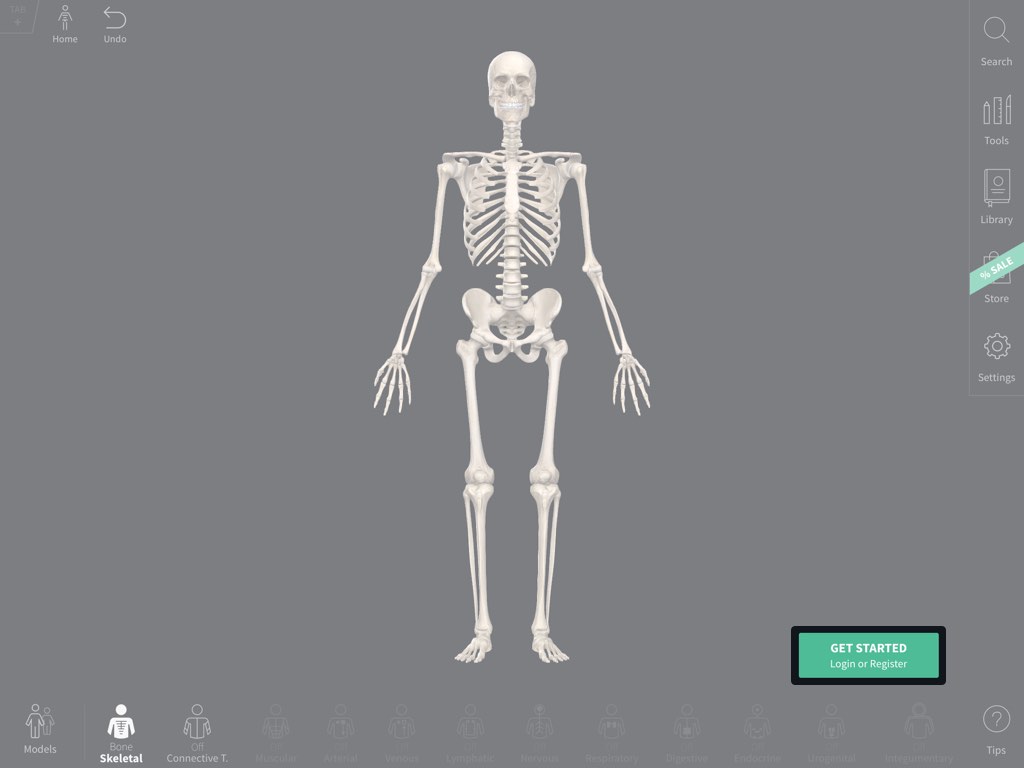
Log in or Register
Select the Get Started button in the bottom right of the corner to log in or register.ENLACE A ESTE PASO
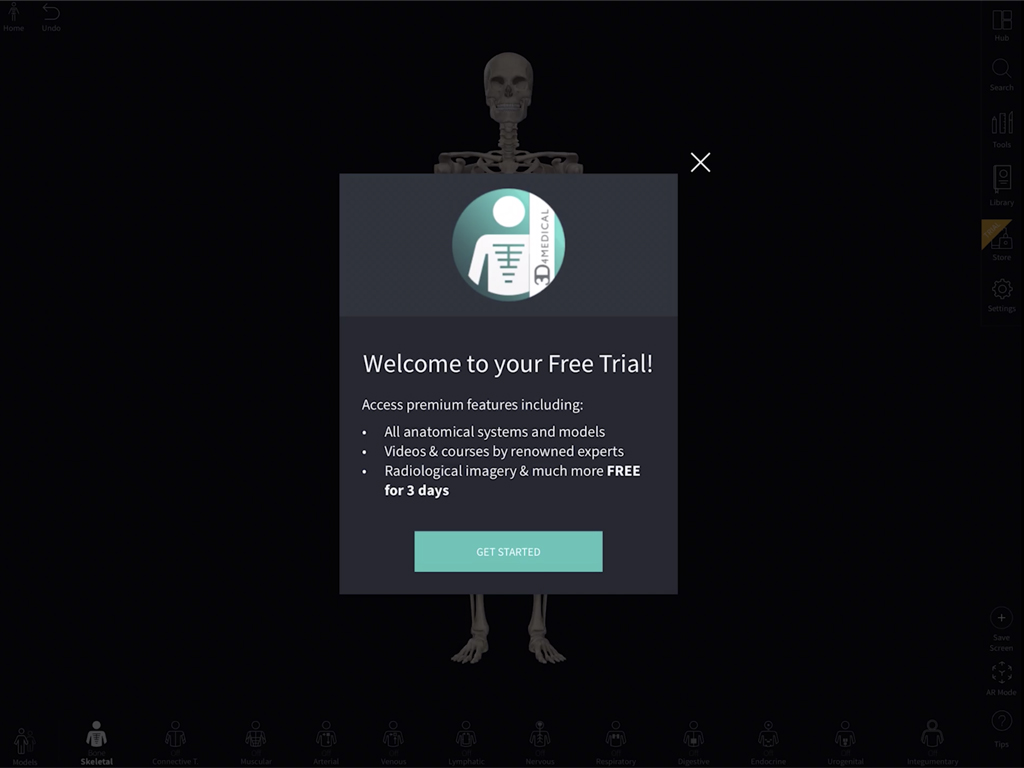
Free trial
A 3D4Medical account gives you a free three-day trial of platform features.ENLACE A ESTE PASO
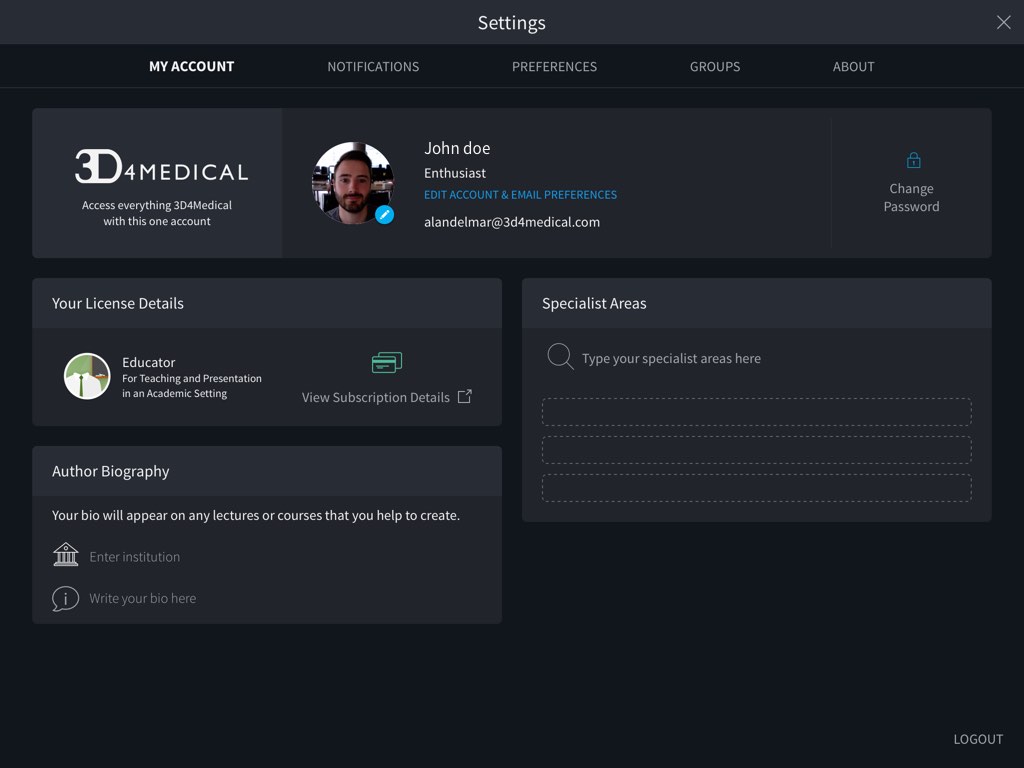
Edit account details
Once registered, your Settings section allows you to edit your account details, to see any notifications, to manage your groups and to adjust your preferences.ENLACE A ESTE PASO
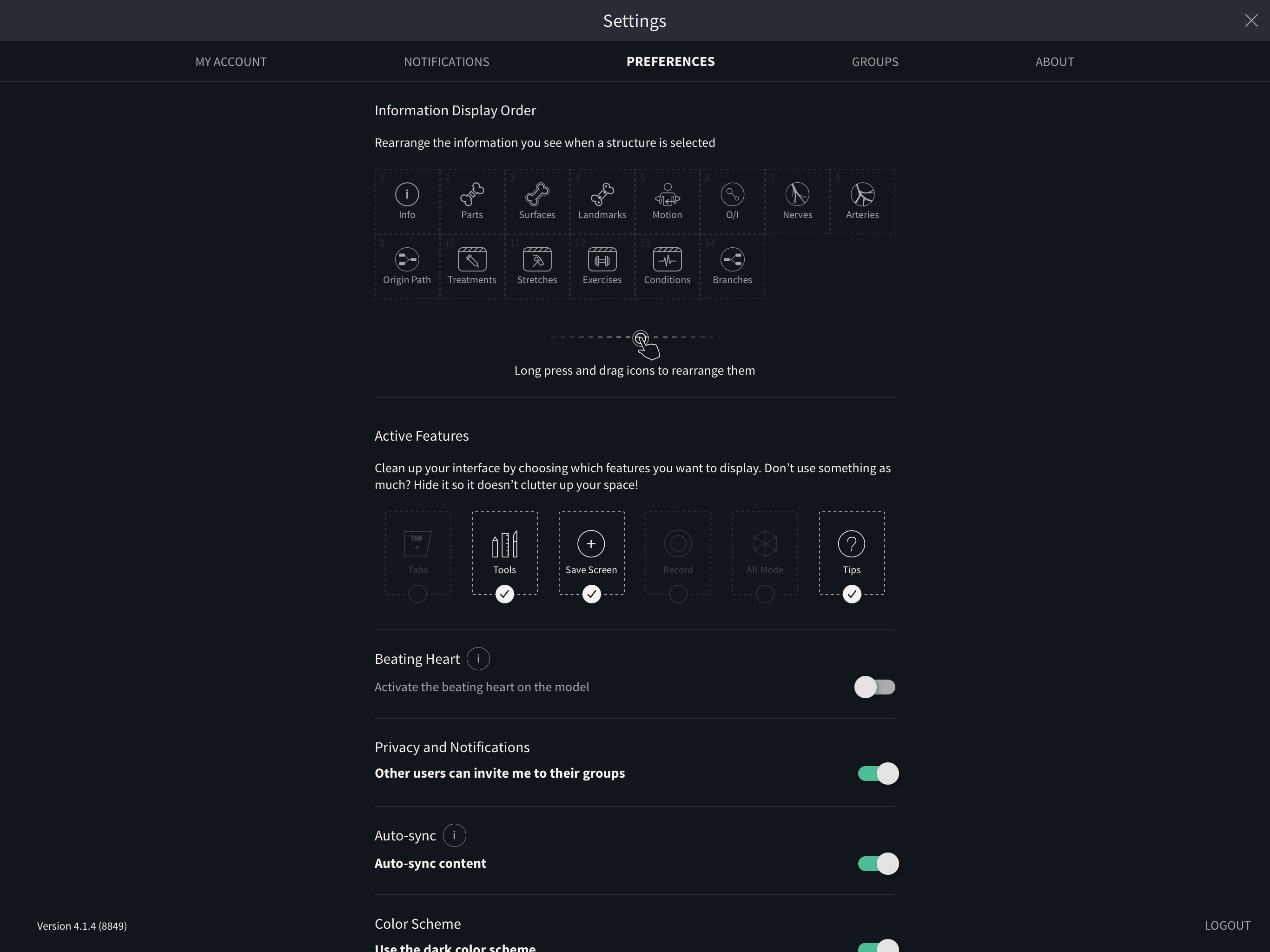
Preferences
In the Preferences tab you may adjust settings related to the app, such as toggling dark mode or switching on or off the beating heart.ENLACE A ESTE PASO
Groups
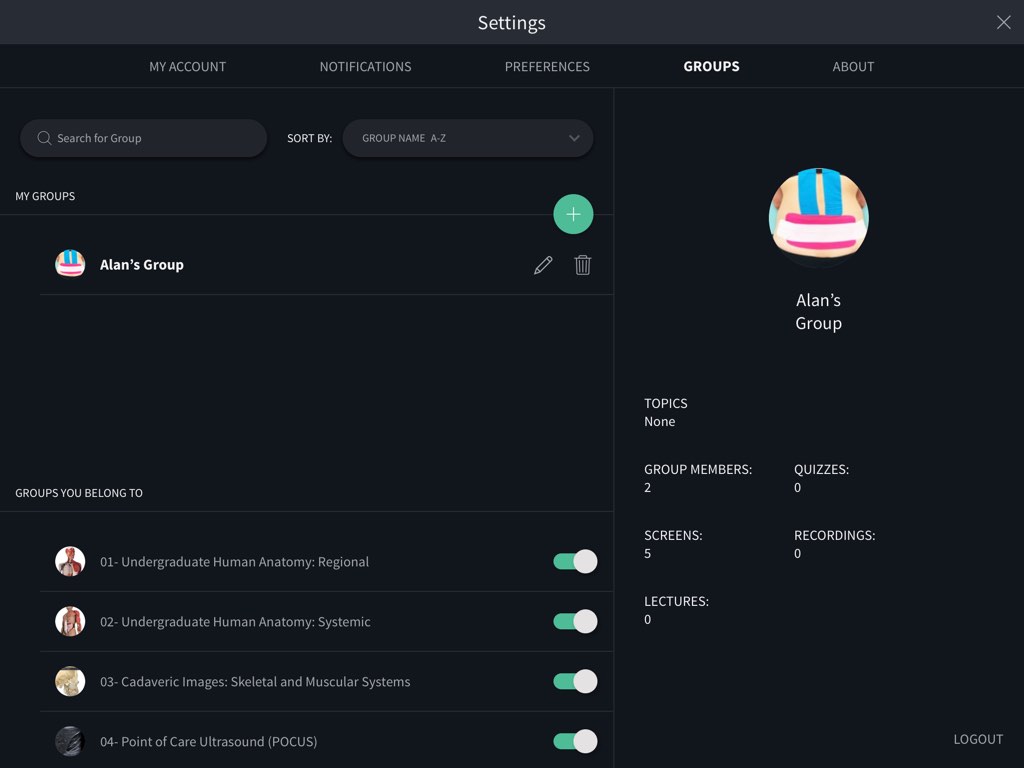
Create and manage groups in the Groups tab to share content. Creating your own group allows you to invite members and share content with them within the app. Create your first Group by hitting the ‘Get Started’ button. Enter the name, description and specialist area for your group, and give it a profile pic to find it easily. Select Create Group when you’re done. Next, your group will need some members. In the Manage Group Members tab you can search for existing users to invite, or invite someone to your Group via email. Your group will automatically appear in your Groups tab, where you can return to edit or delete it at any time. When you accept an invitation for a group, it will display in the area of the screen called Groups You Belong To. If you want to leave a group you have joined, hit the switch beside the name of the group.ENLACE A ESTE PASO
Notifications
In the Notifications tab you’ll find the latest updates for your app tailored for you. You’ll also find information on new content and any notifications on activity from your Groups.ENLACE A ESTE PASO
Logout
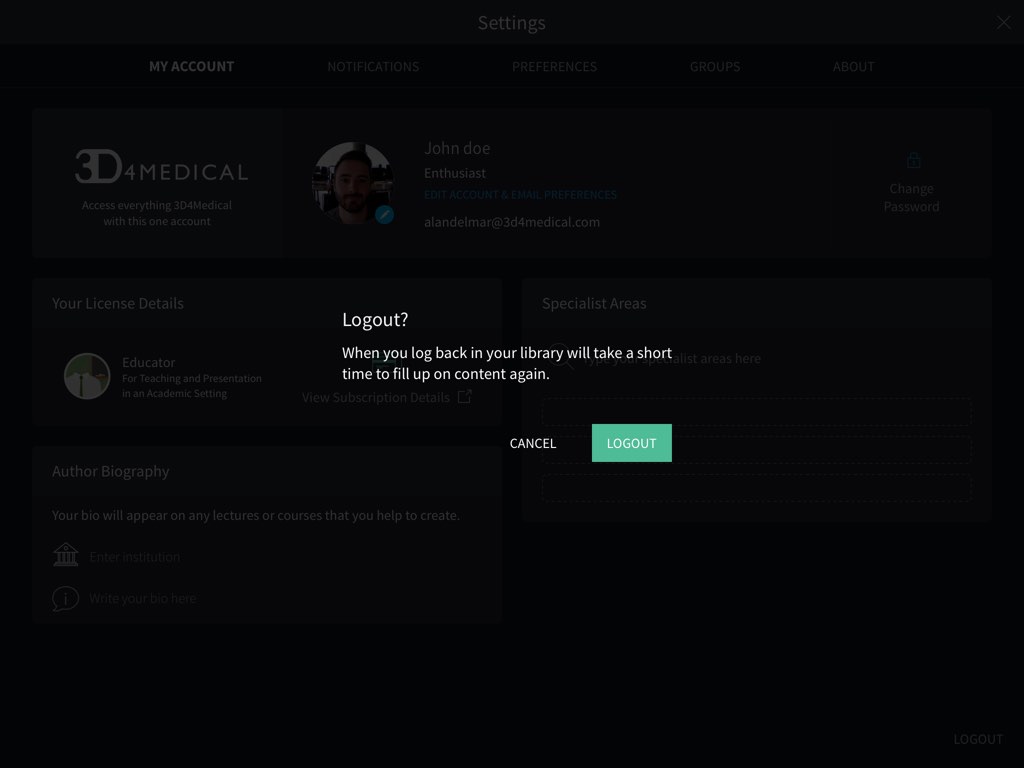
To log out from the application, use the button on the bottom right of the Profile screen.ENLACE A ESTE PASO
Ajustes
Crea una cuenta en 3D4Medical para experimentar todo el potencial de Complete Anatomy.
SALTAR A LA CATEGORÍA
Iniciar sesión o registrarse
Selecciona el botón "Empezar" en la parte inferior derecha de la esquina para iniciar sesión o registrarte.ENLACE A ESTE PASO
Prueba gratuita
Una cuenta de 3D4Medical te ofrece una prueba gratuita de tres días de las funciones de la plataforma.ENLACE A ESTE PASO
Editar los detalles de la cuenta
Una vez registrado, la sección de configuración te permite editar los detalles de tu cuenta, ver las notificaciones, gestionar tus grupos y ajustar tus preferencias.ENLACE A ESTE PASO
Preferencias
En la pestaña de Preferencias puedes ajustar la configuración relacionada con la aplicación, como activar el modo oscuro o activar o desactivar el corazón palpitante.ENLACE A ESTE PASO
Grupos
Crea y gestiona grupos en la pestaña Grupos para compartir contenidos. Crear tu propio grupo te permite invitar a miembros y compartir contenidos con ellos dentro de la aplicación. Crea tu primer grupo pulsando el botón "Empezar". Introduce el nombre, la descripción y el área especializada de tu grupo, y ponle una foto de perfil para encontrarlo fácilmente. Selecciona Crear grupo cuando hayas terminado. A continuación, tu grupo necesitará algunos miembros. En la pestaña de Gestionar miembros del grupo puedes buscar usuarios existentes para invitarlos, o invitar a alguien a tu grupo por correo electrónico. Tu grupo aparecerá automáticamente en la pestaña de Grupos, donde podrás volver para editarlo o eliminarlo en cualquier momento. Cuando aceptes una invitación a un grupo, éste aparecerá en la zona de la pantalla denominada Grupos a los que perteneces. Si quieres abandonar un grupo al que te has unido, pulsa el interruptor junto al nombre del grupo.ENLACE A ESTE PASO
Notificaciones
En la pestaña de notificaciones encontrarás las últimas actualizaciones de tu aplicación adaptadas a ti. También encontrarás información sobre nuevos contenidos y cualquier notificación sobre la actividad de tus grupos.ENLACE A ESTE PASO
Cierre de sesión
Para salir de la aplicación, utiliza el botón situado en la parte inferior derecha de la pantalla de perfil.ENLACE A ESTE PASO